Start with the part that matters
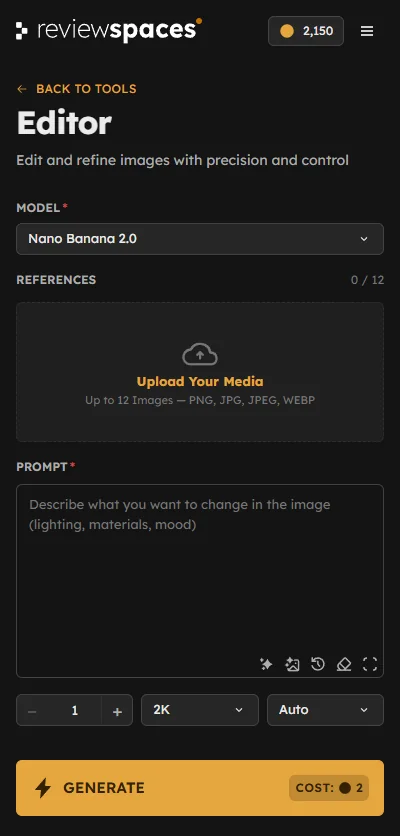
Select the area you want to edit and tell the Editor what to change. Try a new finish, replace an object, or adjust the light to suit your image.
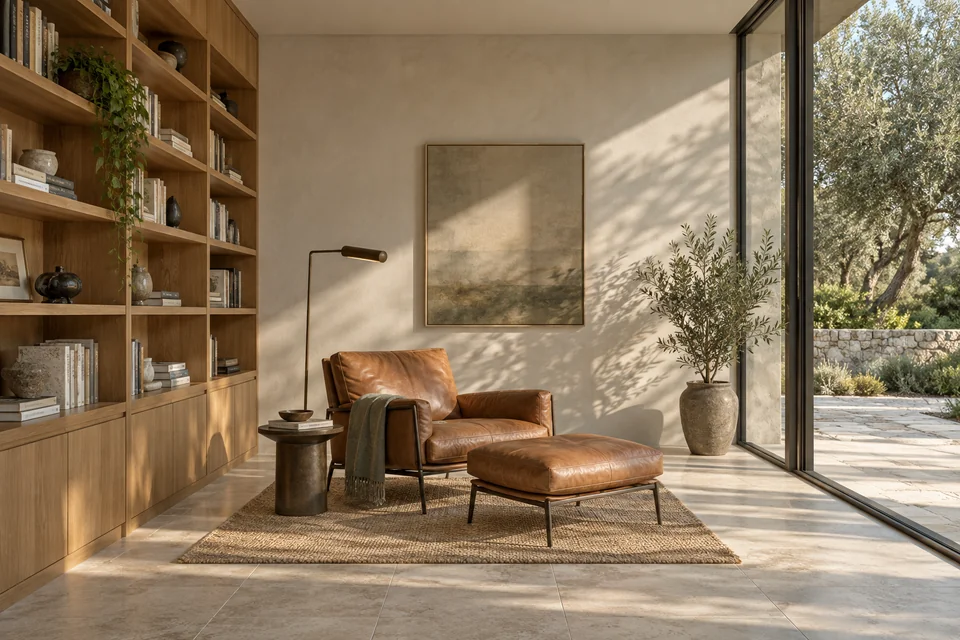
Try a different material, find a stronger viewpoint, or see your design in a new light. Explore with AI inside Photoshop, then decide what belongs in the final image.
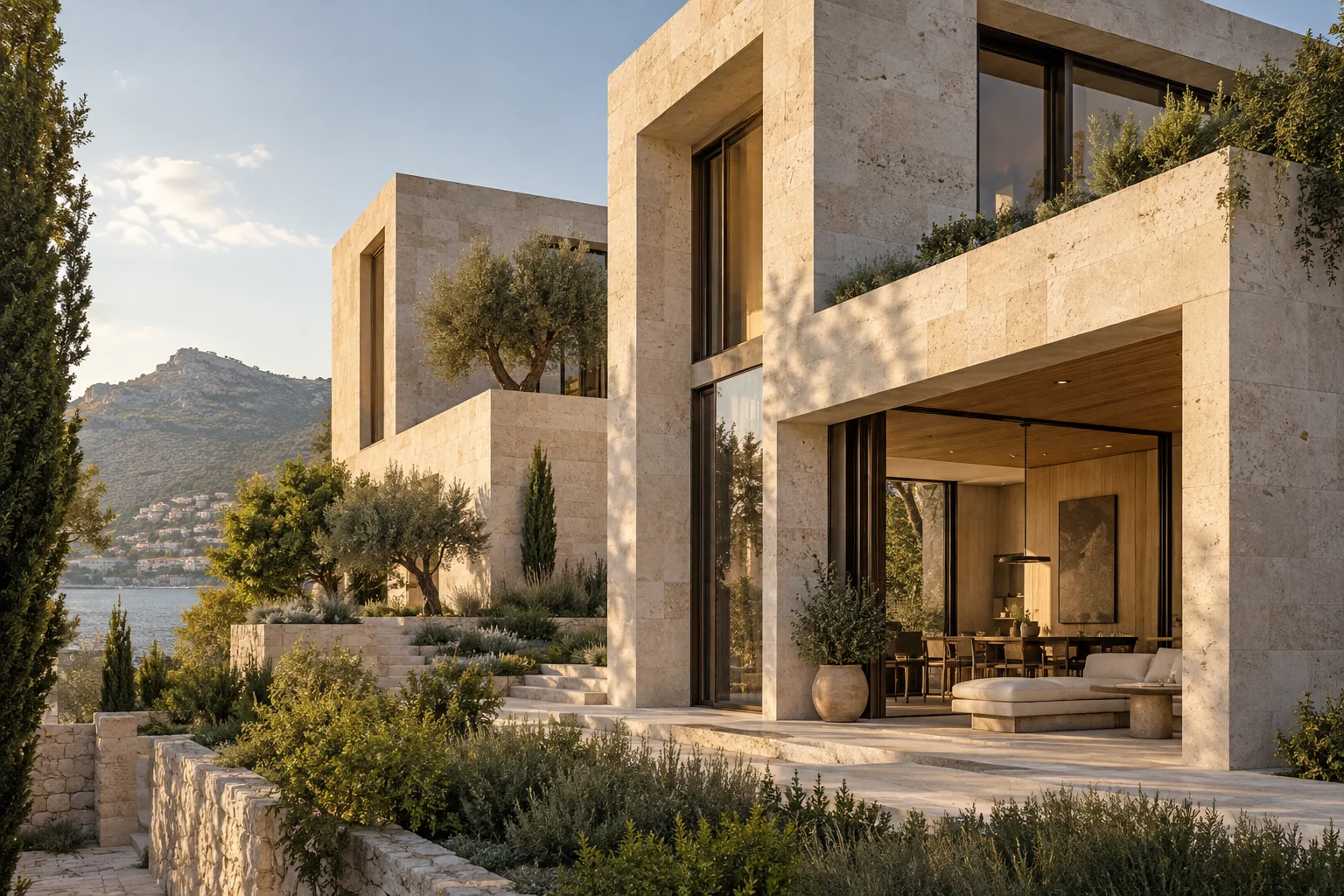
Make the change where you're already working. Use selections to focus the edit, then refine the result with Photoshop layers and masks.
Select the area you want to edit and tell the Editor what to change. Try a new finish, replace an object, or adjust the light to suit your image.
Every image asks for something different. Choose the tool that fits your next step, from a small refinement to a new idea.
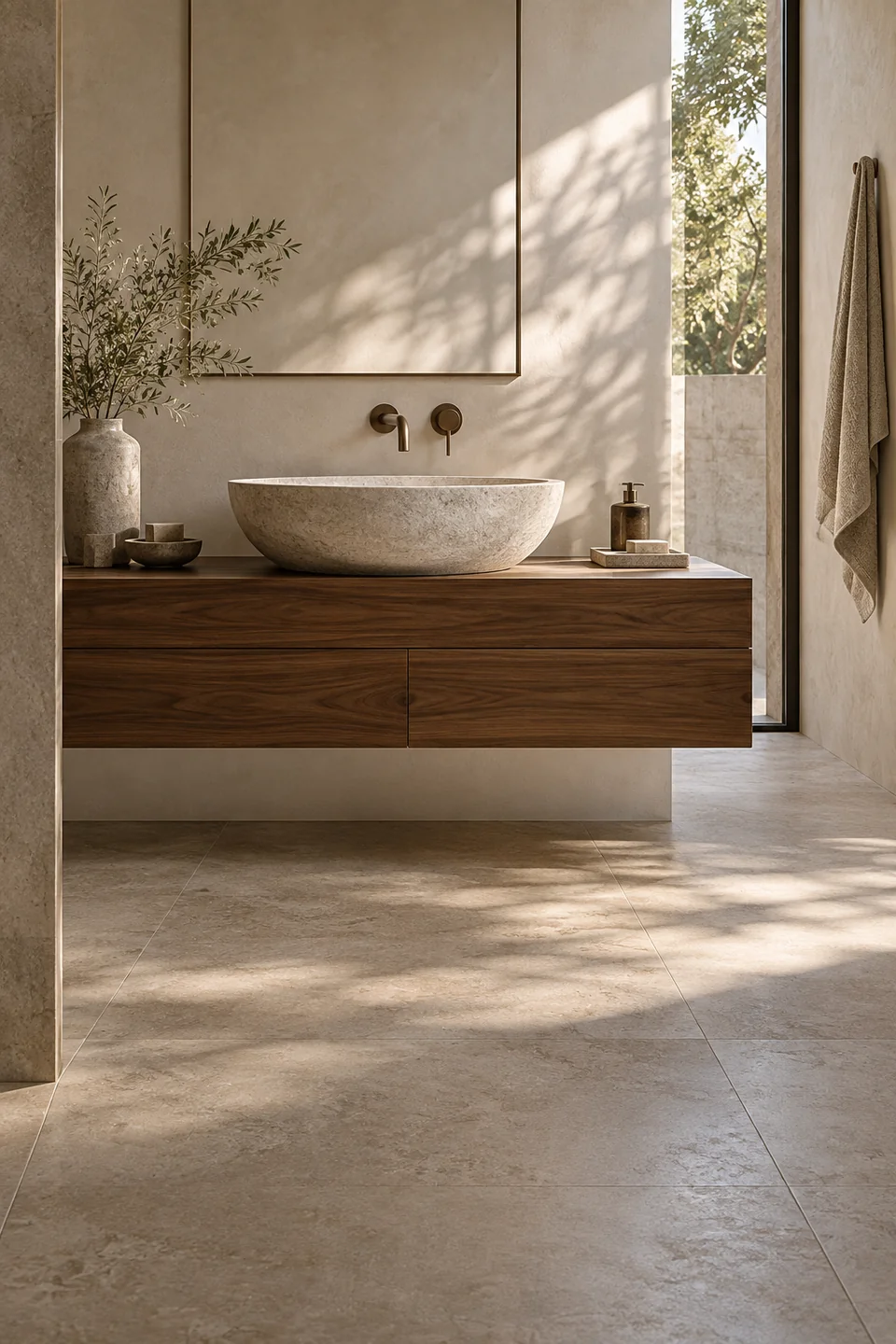
Refine your render or photograph. Change materials and objects. Shape light and atmosphere.
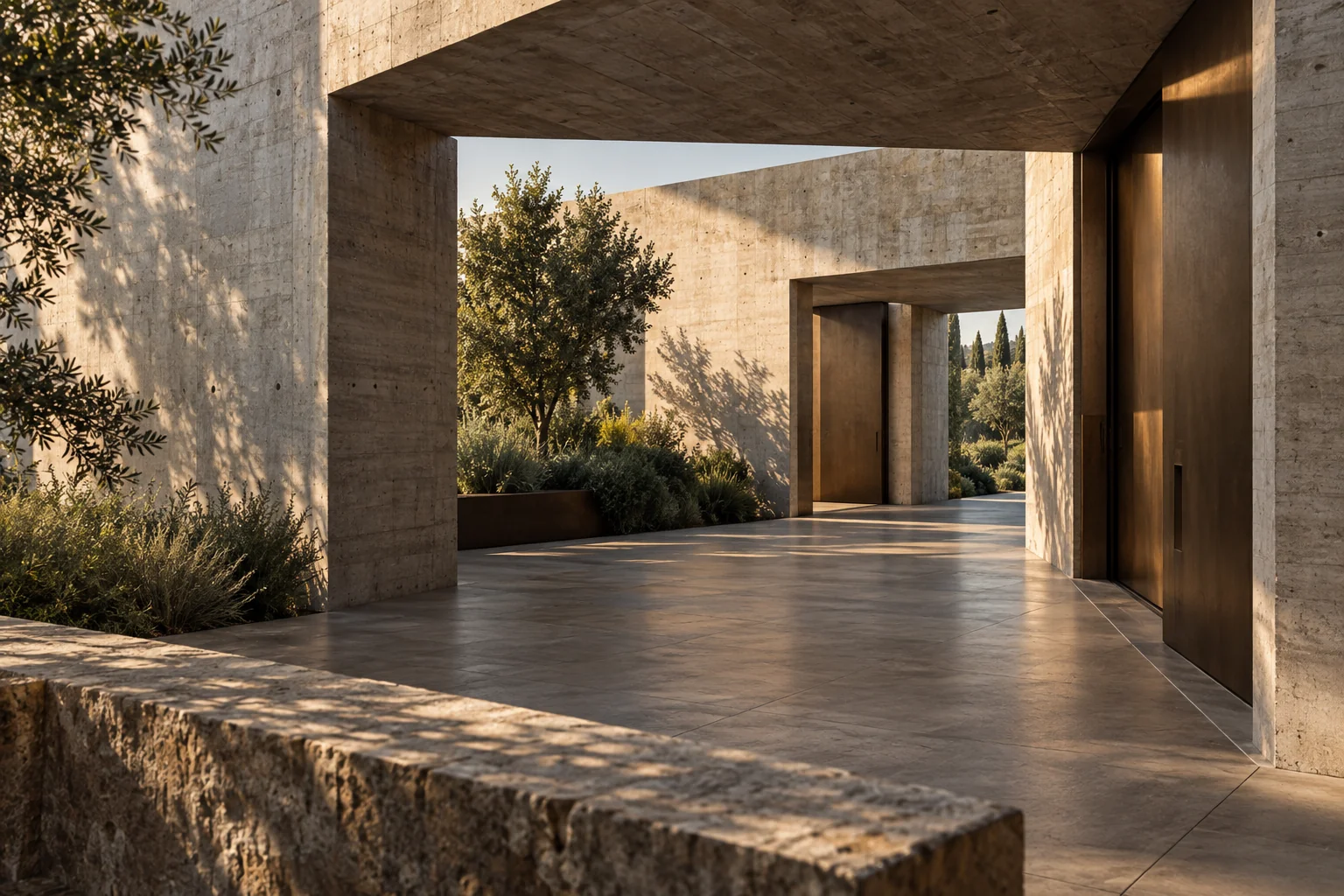
Explore a new camera angle. Find a stronger composition. Tell your project’s story.
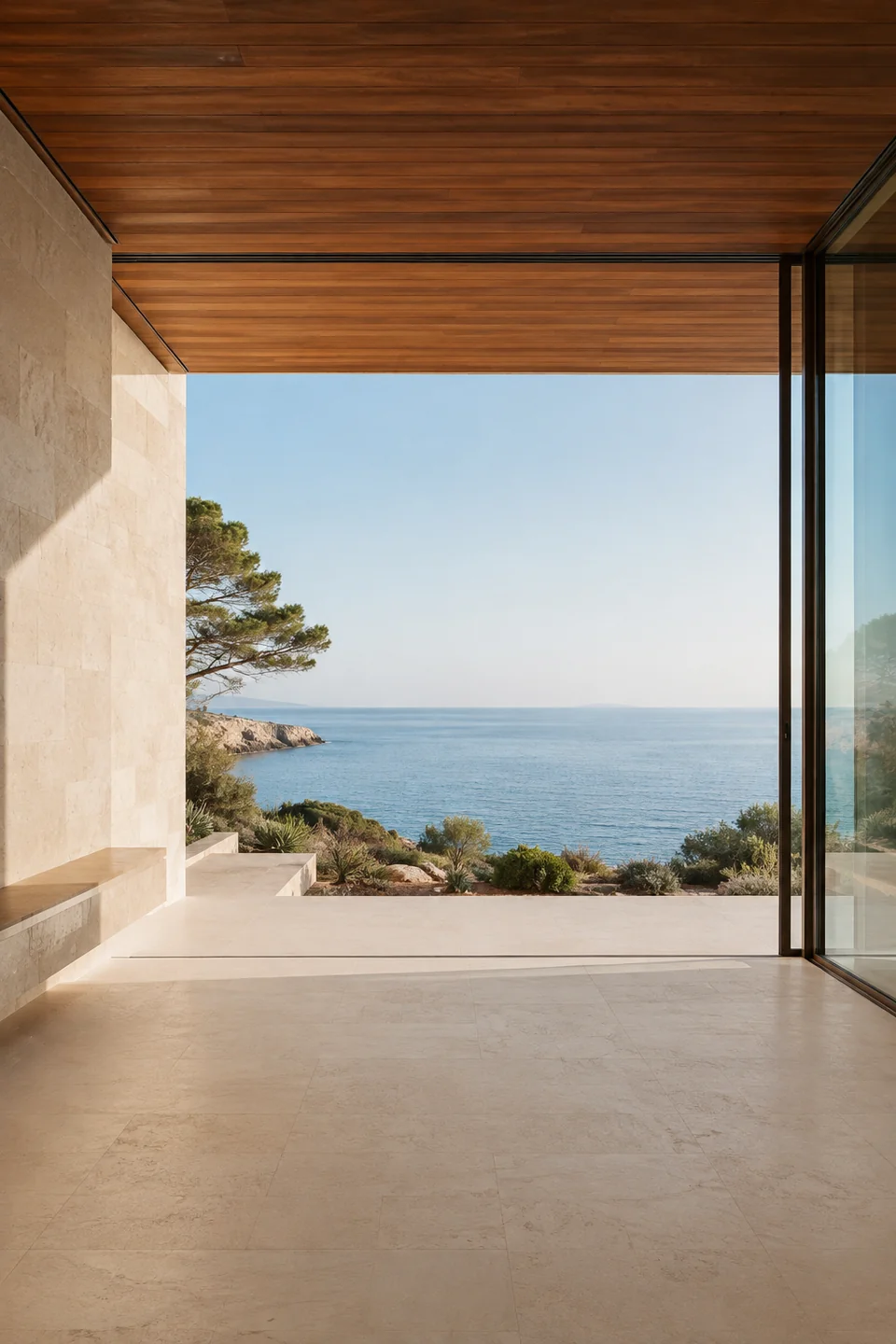
Expand beyond the image. Explore new aspect ratios. Give your composition room.
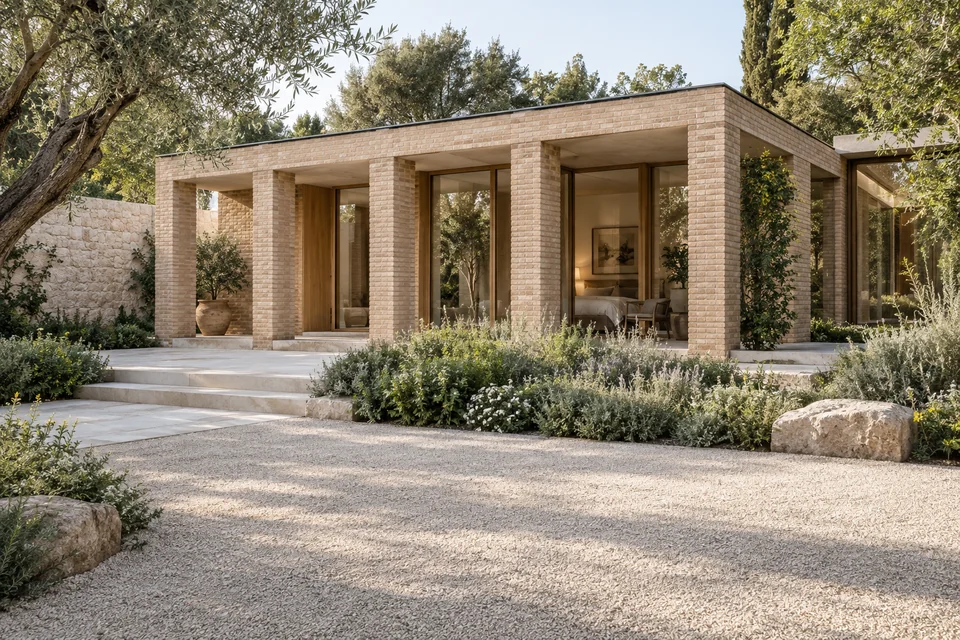
Explore directions for your design. Compare materials and atmosphere. Choose what to develop next.
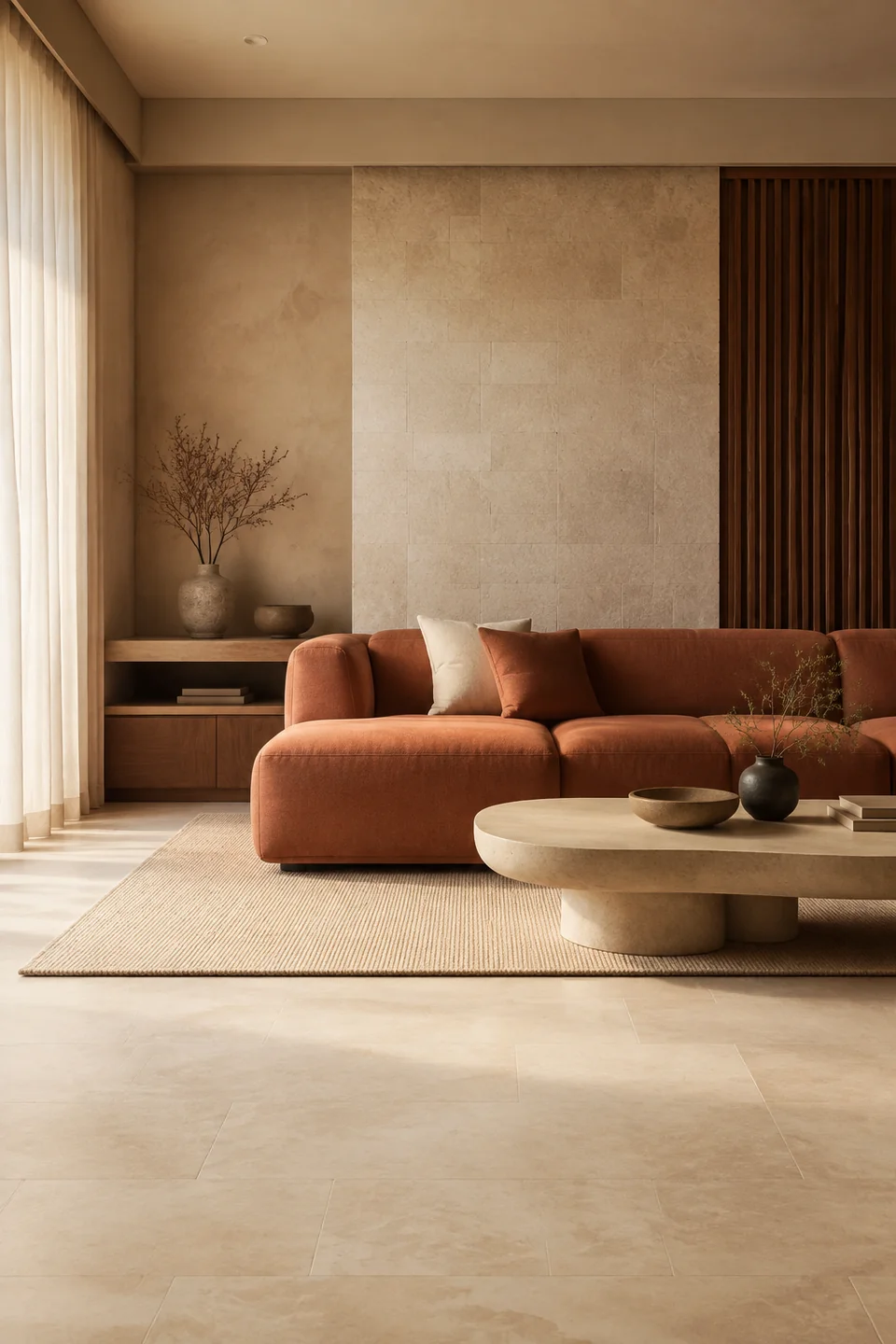
Connect materials, color, and light. Explore the mood of your project. Give your ideas a visual direction.
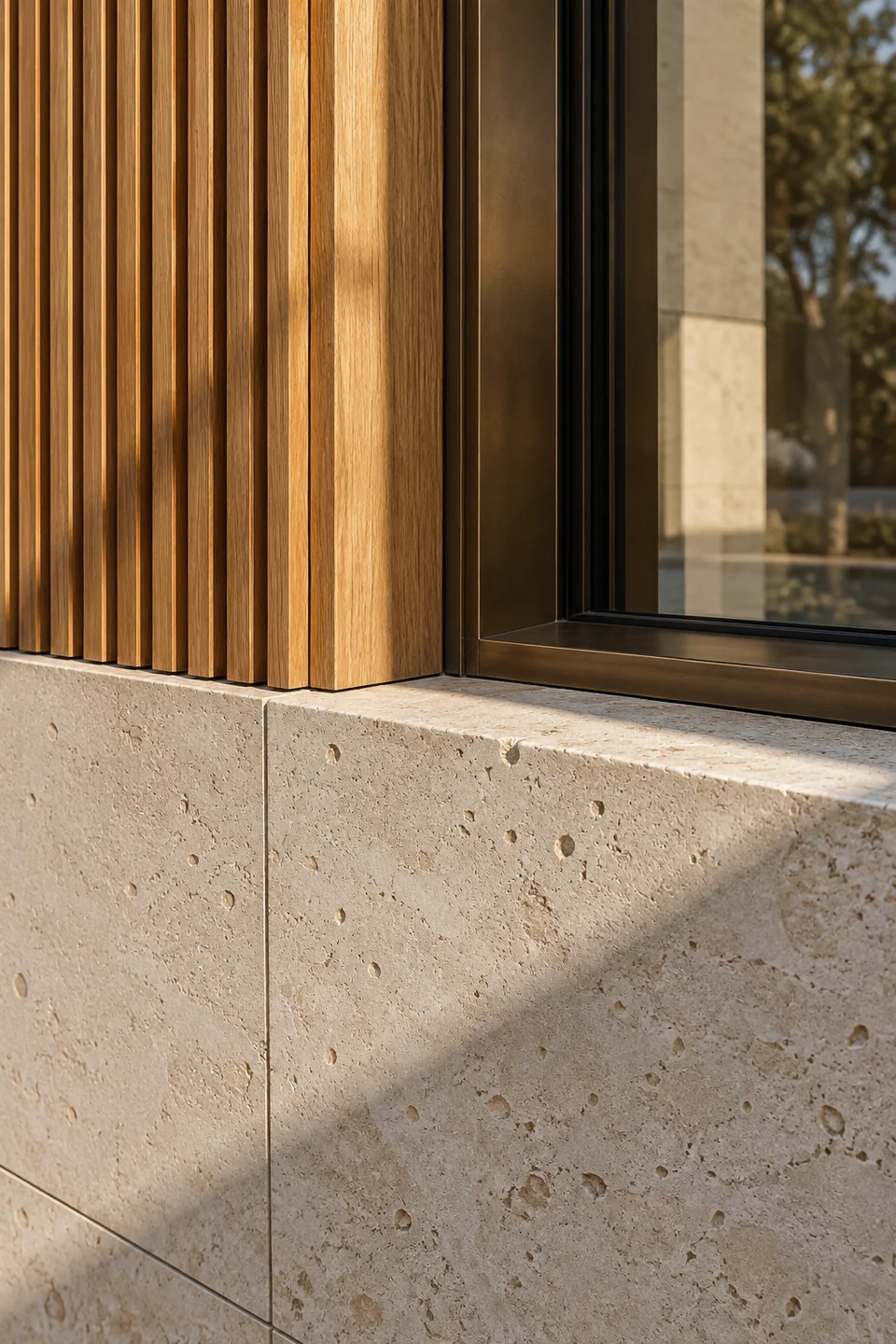
Increase image resolution. Bring out textures and fine detail. Prepare work for presentation.
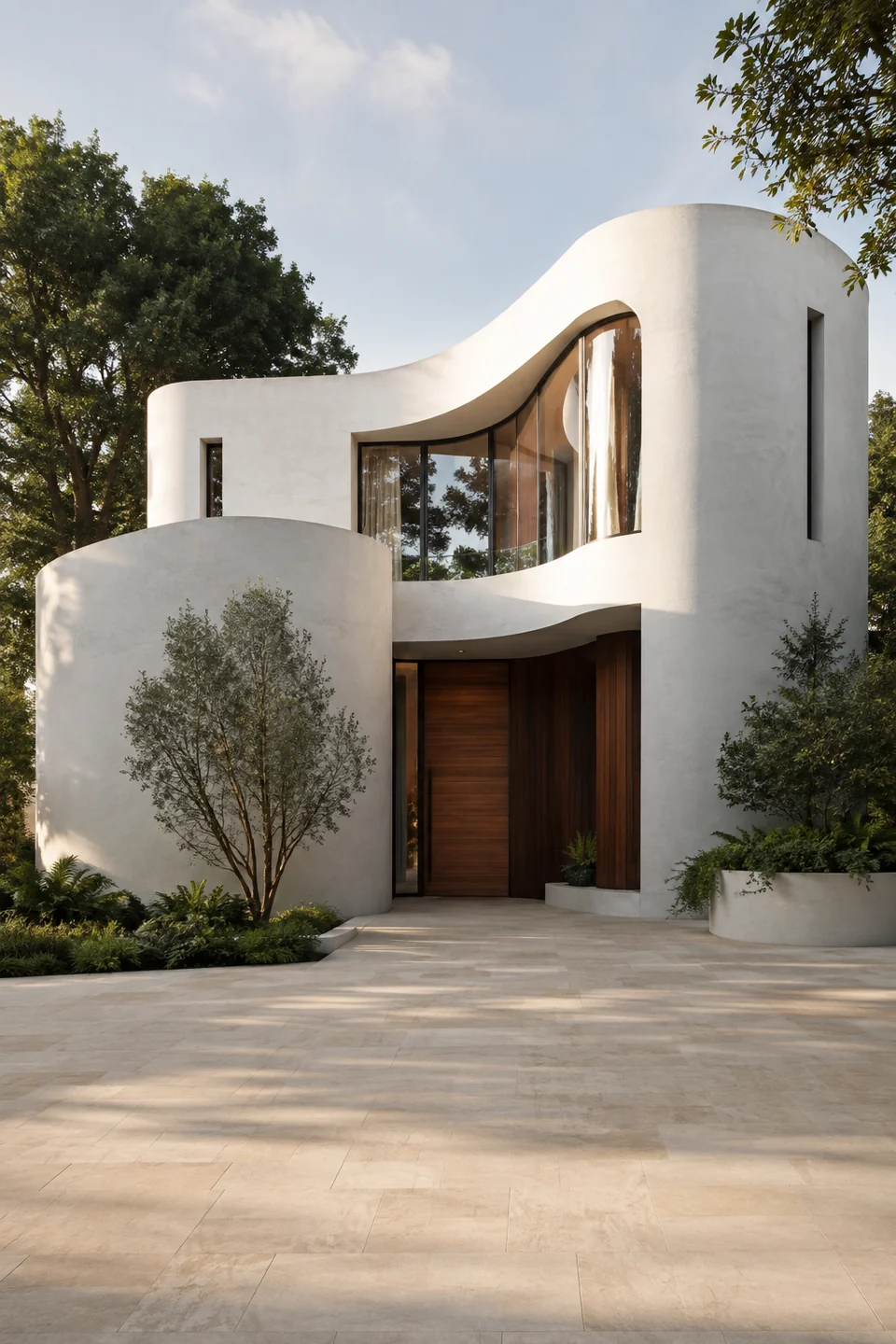
Turn an idea into an image. Start with a simple prompt. Add references when useful.
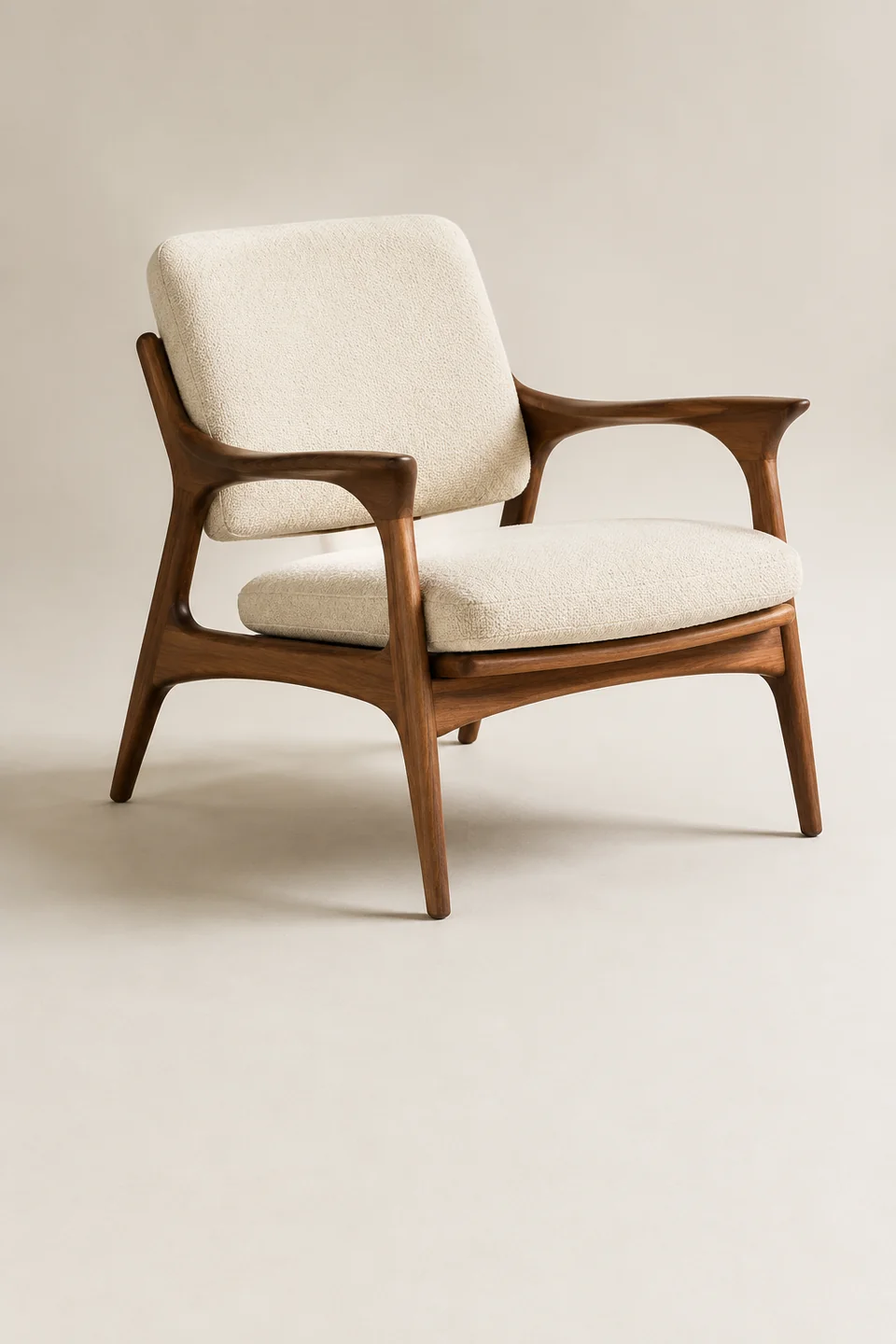
Remove the image background. Keep a clean cutout of your subject. Build your next composition.
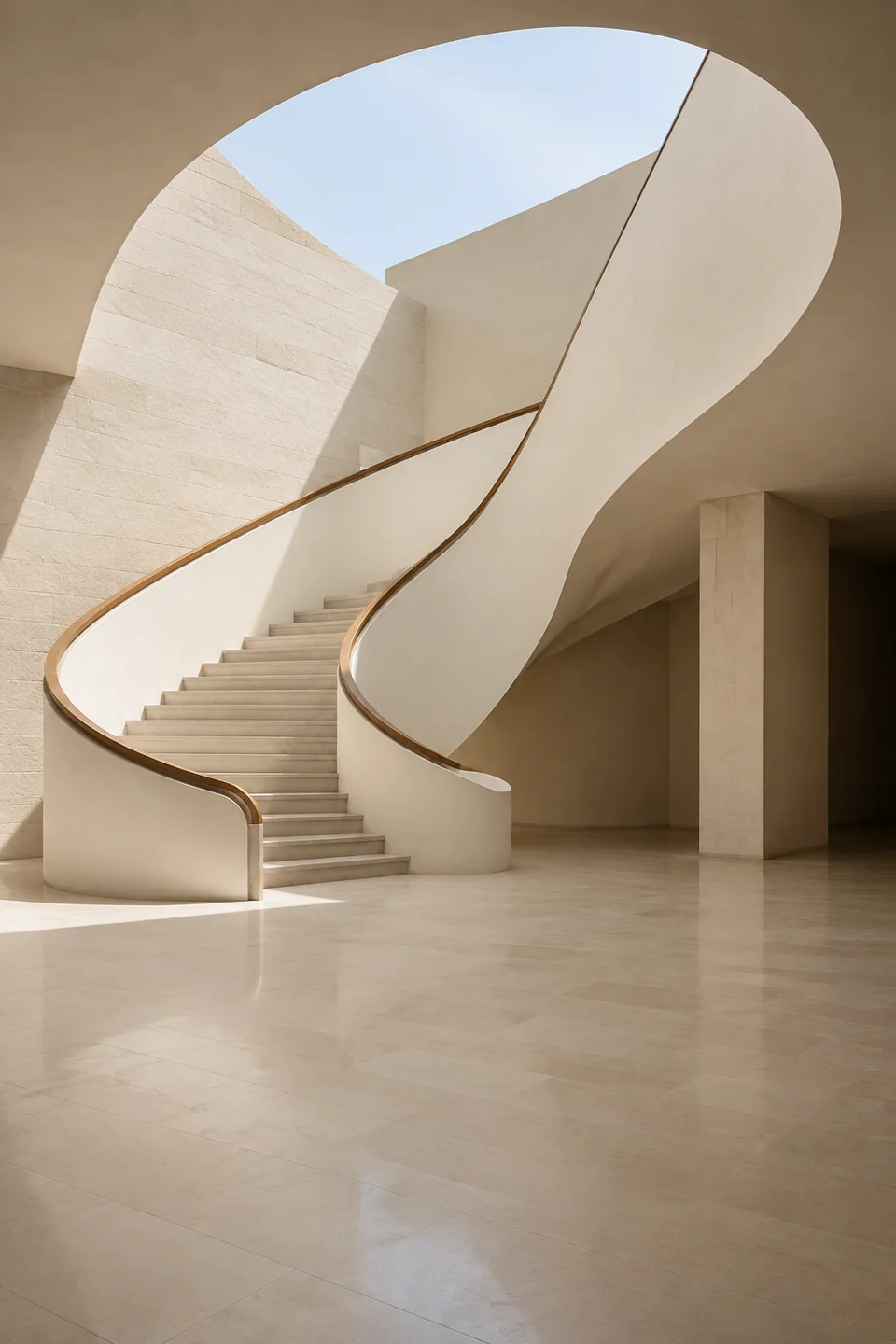
Browse photographs from Unsplash. Explore light, form, and composition. Bring references into Photoshop.
Our architecture, design, and visualization experience guides the tools, so you can focus on your ideas rather than the wording of a prompt.
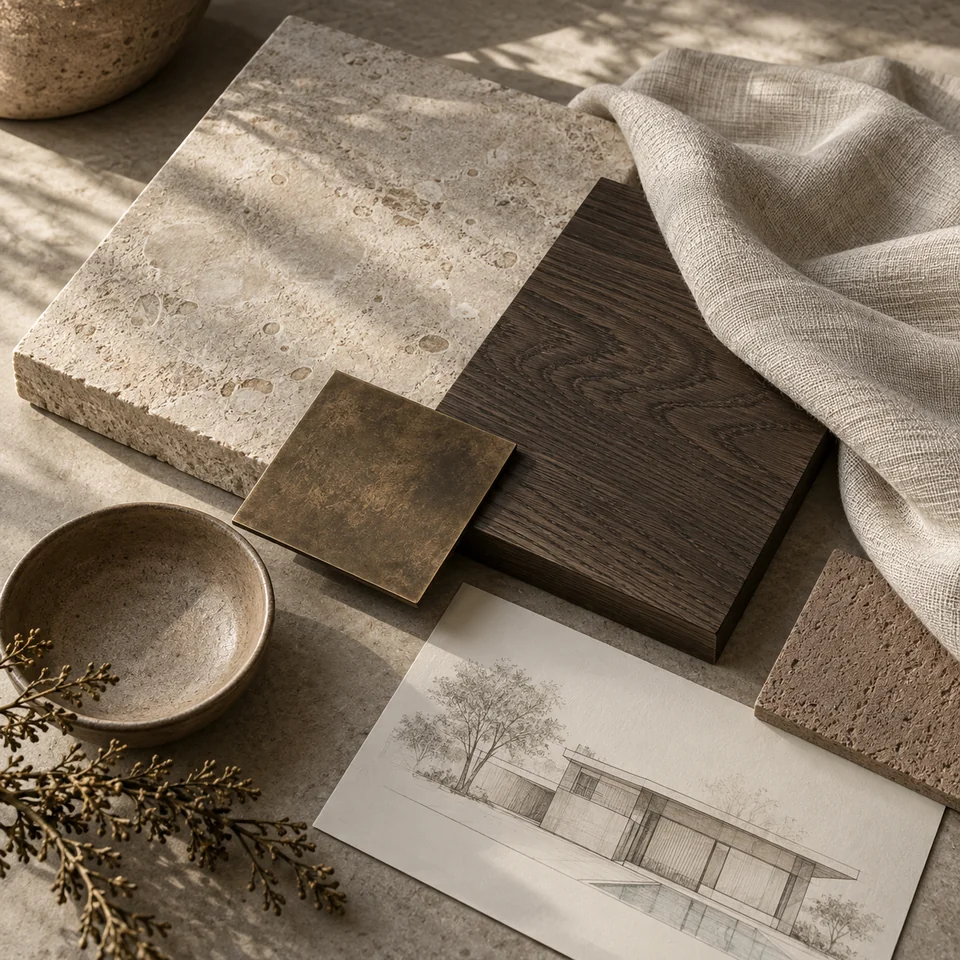
Choose a direction and see different possibilities for your image. No prompt needed. Compare the results and decide what to take further.
Choose a direction for your project. Generate a moodboard that connects materials, color, and atmosphere, without writing a prompt.
Start with a few words. Turn them into a clearer creative brief, with guidance tailored to the tool you're using.
Turn what you see into words. Create a prompt from an image, tailored to your chosen tool and creative task.
From installation to your first image, in three steps.
Install from Adobe Exchange or use the direct download. Same plugin, either way.
Choose your downloadCreate your account, then use a key from Admin to connect the plugin.
Get StartedExplore with 10 free credits. References and Remover are free to use.
Explore pricing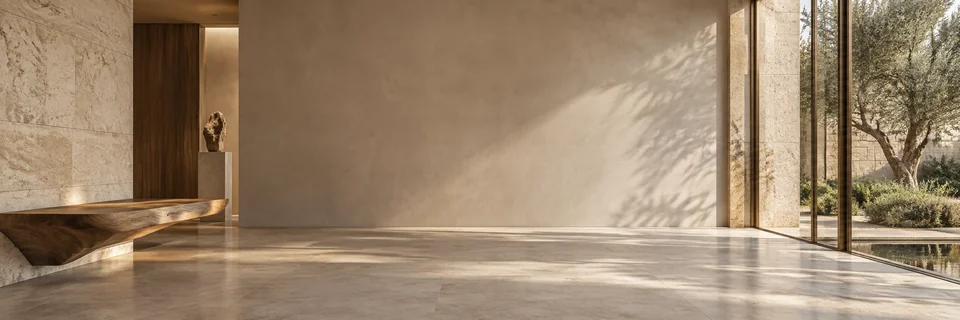
Create an account and begin with 10 free credits.
With your permission, we use Google Analytics to understand which pages visitors use and improve our website. You can change your choice anytime in Cookie settings. Privacy policy